🚀 Big news for teams working on App Store screenshots!

Our Screenshot Localization Plugin for Figma has just been officially approved! 🤩
This unlocks a full end-to-end workflow
:

🎨 1. CreateDesign your base screenshots using our Figma Screenshot Template - clean structure, consistent layout, ready for localization.

🌍 2. LocalizeInstantly translate screenshots into 39+ locales with our Figma Localization Plugin. No manual duplication, no frame chaos - everything stays organized inside your Figma project.

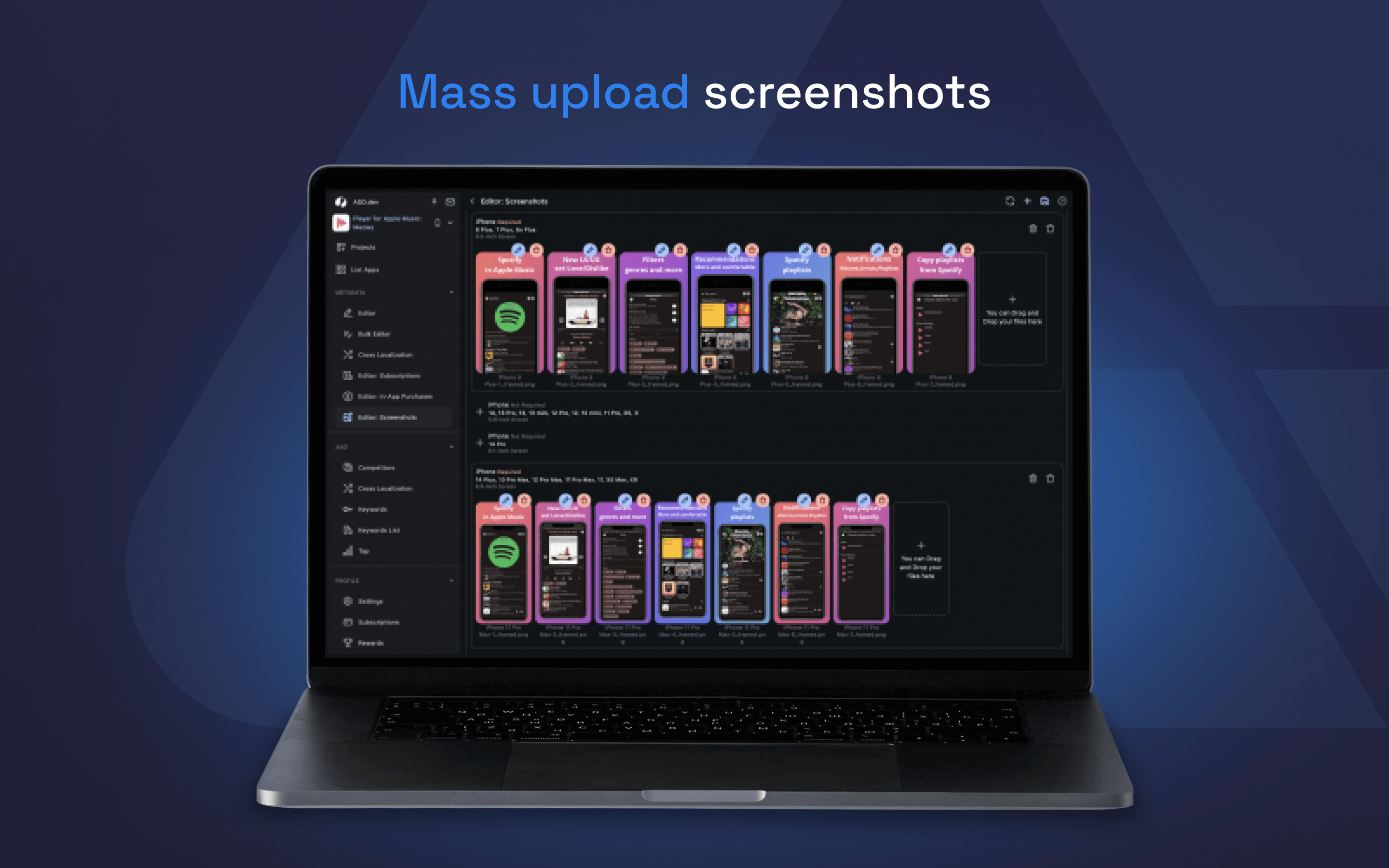
📤 3. Translate & UploadPush localized screenshots in bulk through ASO.dev and save hours:
- Screenshots
- CPP
- PPO
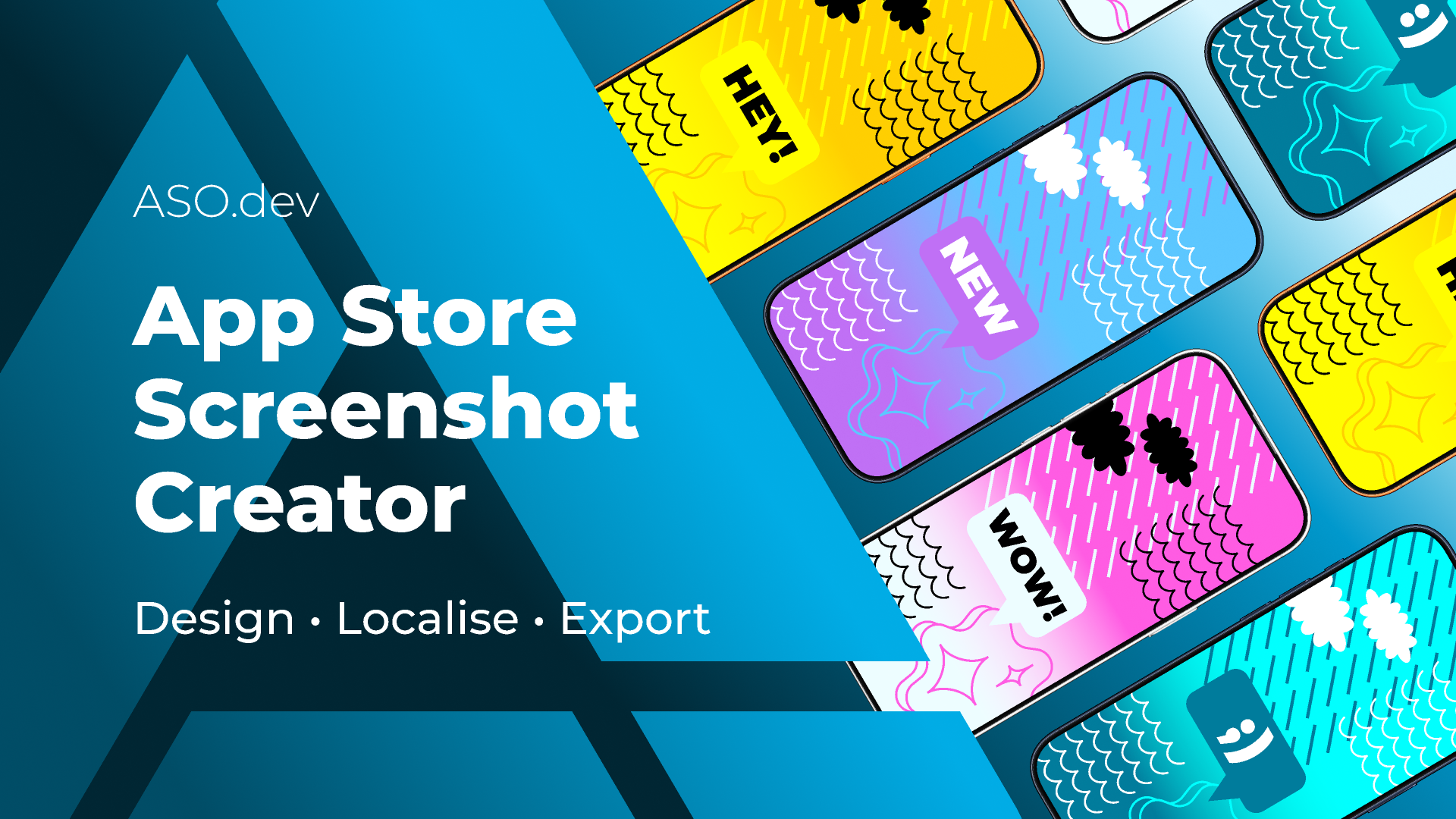
Just drag and drop the folder exported from Figma - with all localized screenshots inside - and ASO.dev takes care of the rest.You can grab your access code and get started here:https://aso.dev/figma/screenshots-localization/

SEO from a Newbie for Beginners: https://aso.dev/blog/seo/

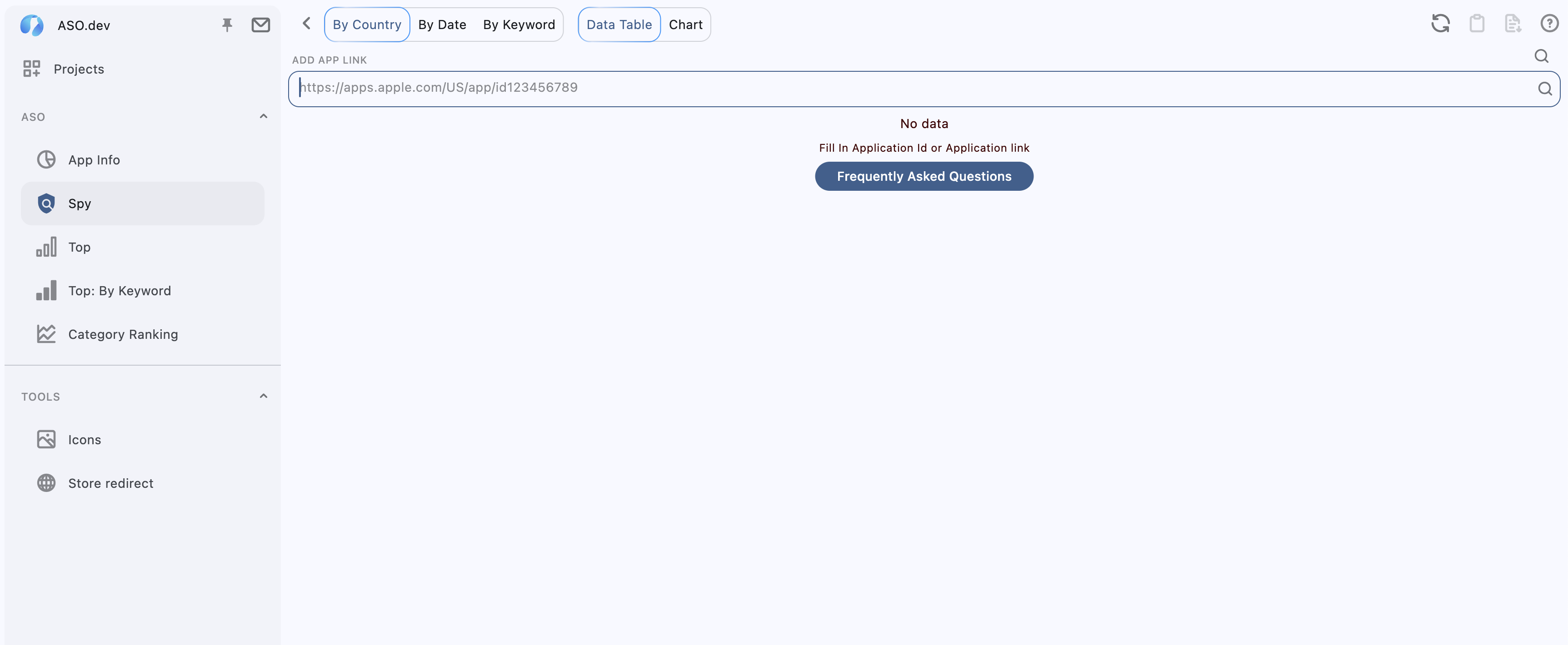
Working on #UX improvements

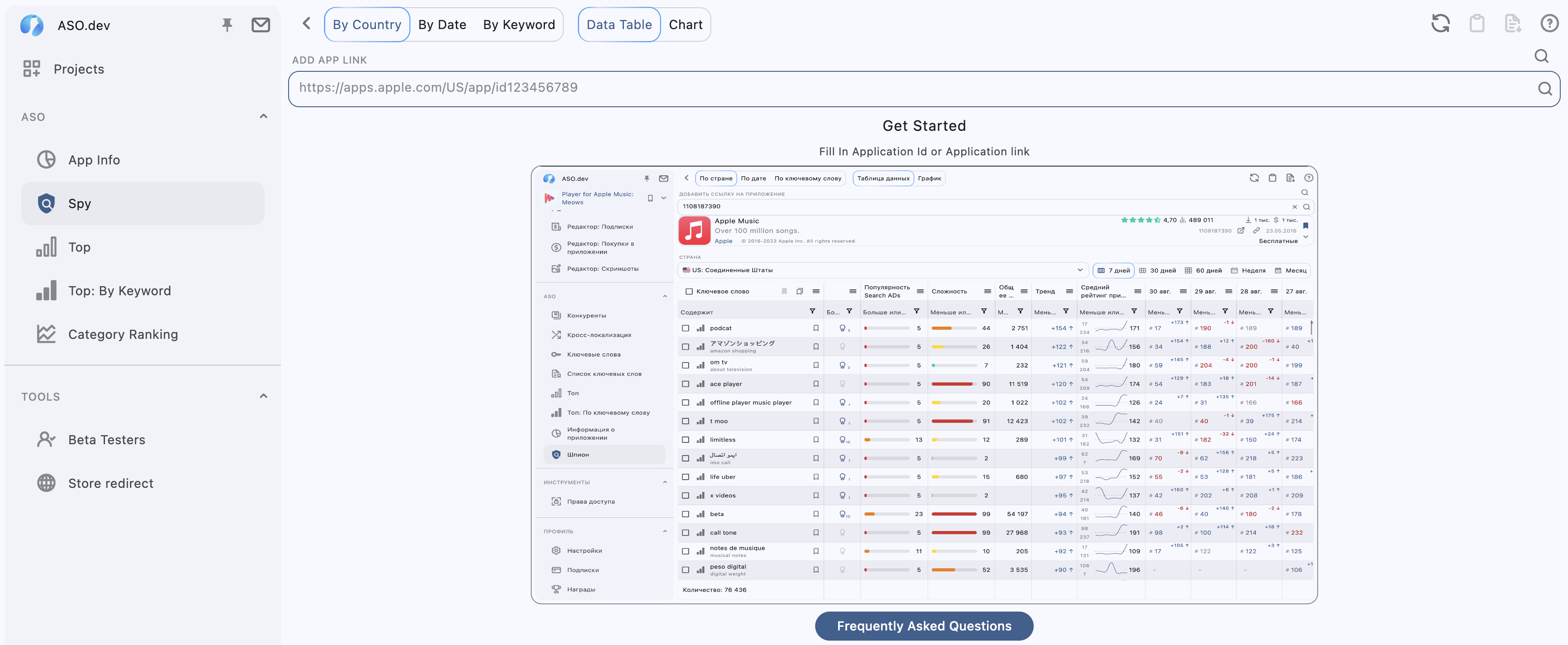
Instead of just a blank space, add helpful screenshots that show how the feature works. This makes it easier for users to understand what's next and how to interact with the app.

What do you think about it?

before and after:

Poll results
Better
Overload

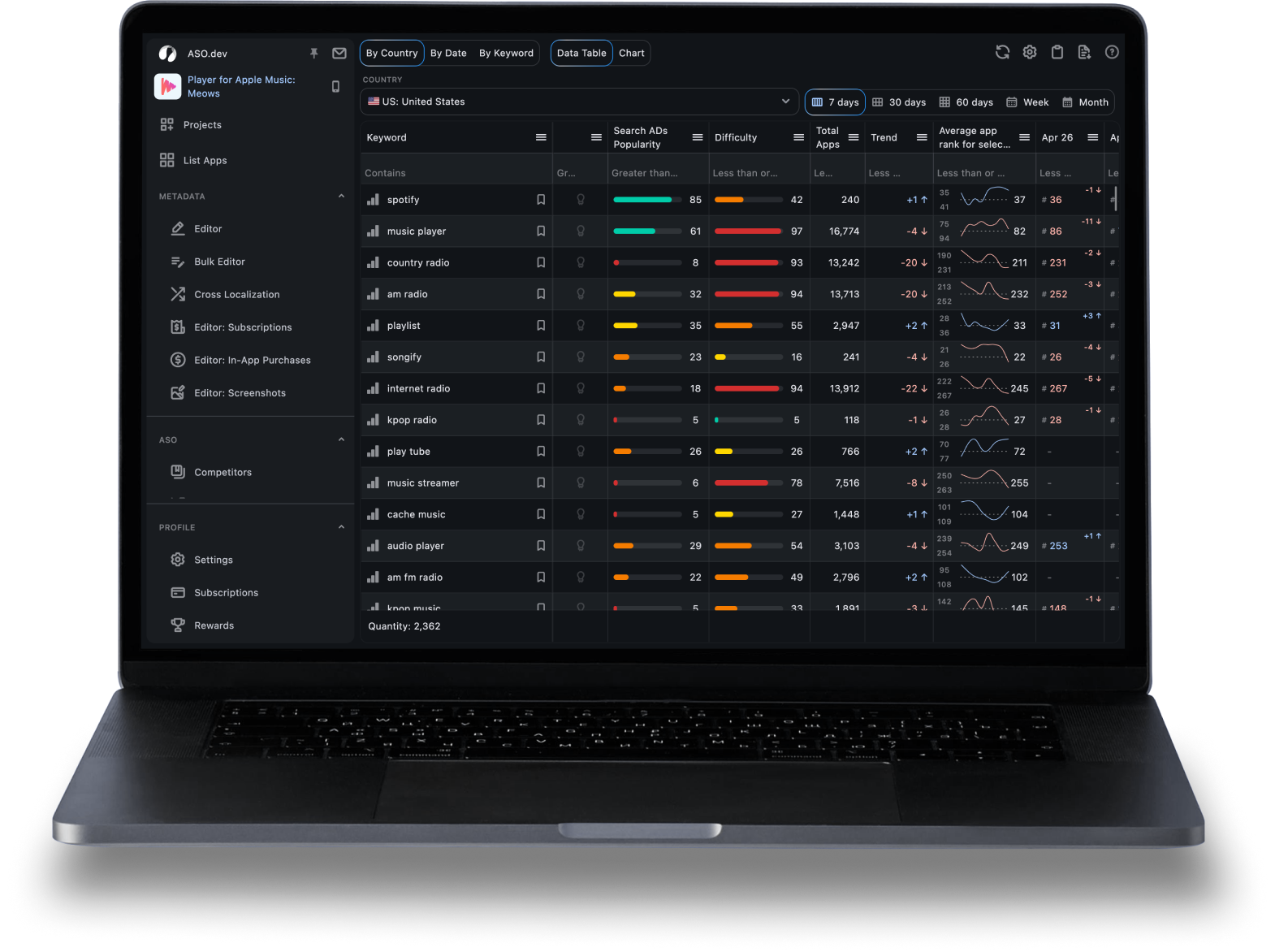
Search Ads Popularity (#SAP) shows how often users search for a particular keyword.

Higher popularity means more traffic but also more competition.

- High popularity: High traffic, but tough competition; ideal for established apps with resources.

- Medium popularity: Balance between traffic and competition, good for growing apps.

- Low popularity: Suitable for niche keywords with lower competition and traffic.

- Below 5: Popularity is unknown.

Tip: Start with low-popularity keywords for new apps, then shift to medium as you grow. Established apps can target high-popularity keywords for maximum reach.

Read more: http://aso.dev/aso/keywords/#sap

#ASO #tip #AppStoreOptimization

ASO Hacks: Make Your App Pop & Rock the App Store!

1. Title Twerk

Mix your brand name with a hot keyword. “CatSnap – Snap & Purr!”

2. Subtitle Sizzle

Tell them why they need your app. “Share Cat Pics Like a Pro.”

3. Iconic Icon

Make your icon pop! If it’s boring, they’re swiping left.

4. Screen-Tease

Screenshots = Storytime. Show off your app’s best moves.

5. Review Love

Good reviews = good vibes. Beg for them. Nicely.

6. Localize, Don’t Vocalize

Translate your app. Make it worldly; get worldly downloads.

7. Update & Date

Apps that update = apps that date. Keep things fresh!

8. Test the Waters

A/B test everything. It’s like dating but for your app.

9. Vid It Up

Short, fun video = download magnet. Make them LOL.

10. Retain or Go Insane

Keep users hooked with cool stuff. Nobody likes a one-and-done.

#fun #ASO #TIPS

We’re an invite only community of Indie Makers

This means you can only get access to IndieMaker if you’re invited to by another member.

You can try your luck and reach out to us via twitter, but please be warned we don’t typically send out invites this way. We want the community to grow organically with likeminded folks.

Reach out to us on twitter