Be the first to like this product
Command-Tab Plus 2
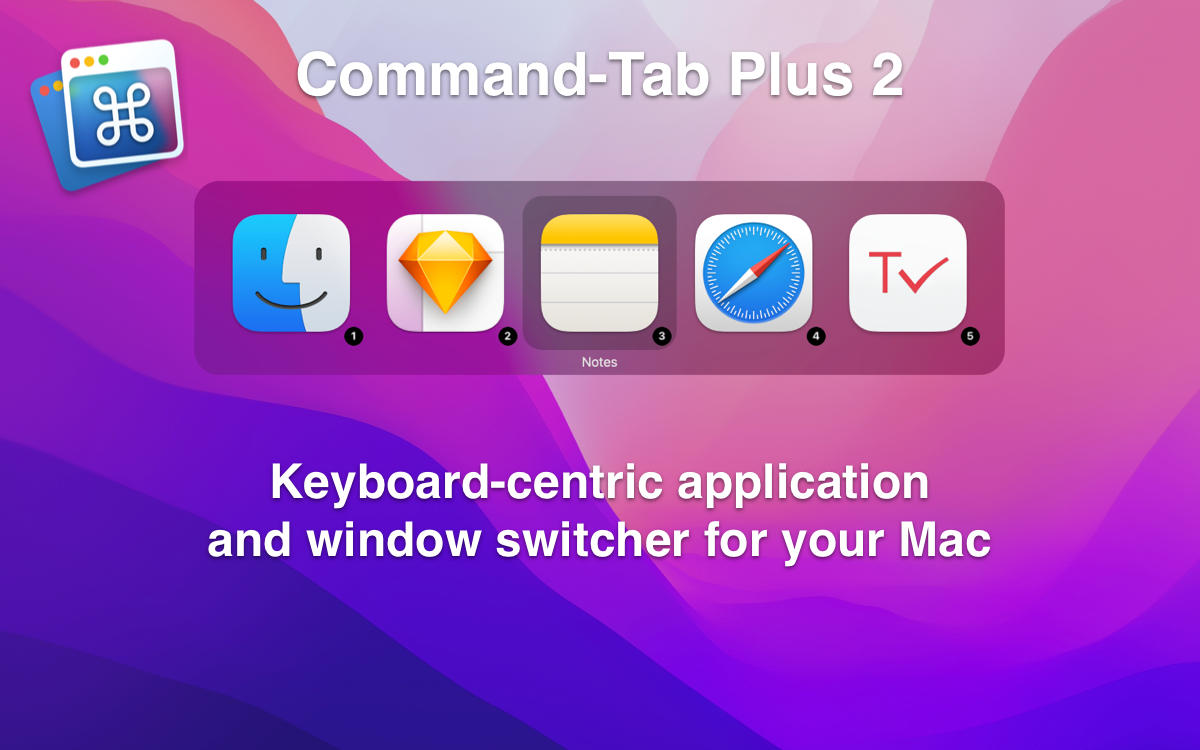
Keyboard-centric application and window switcher for your Mac
When you work with a lot of programs which are loaded, switching between them makes a problem, because it often takes a long time. Command-Tab Plus gives you many improvements in working with multiple applications and designed to be an alternative to the built-in macOS Applications Switcher.
Main Features
- Quickly switch between applications
Using digital shortcuts, you can quickly select the application you want without tapping a bunch of keys!
- Isolate applications in Spaces
When using Command-Tab Plus, by default it displays only the icons of the apps running on the current display or space. Thus, it isolates the apps in one space and the apps in other spaces. Of course, you can disable this function in the app settings.
- Customizable hotkeys and filters for applications
Show or hide apps visible and hidden, apps from other workspaces, and so on. For each option, you can assign your own hotkey.
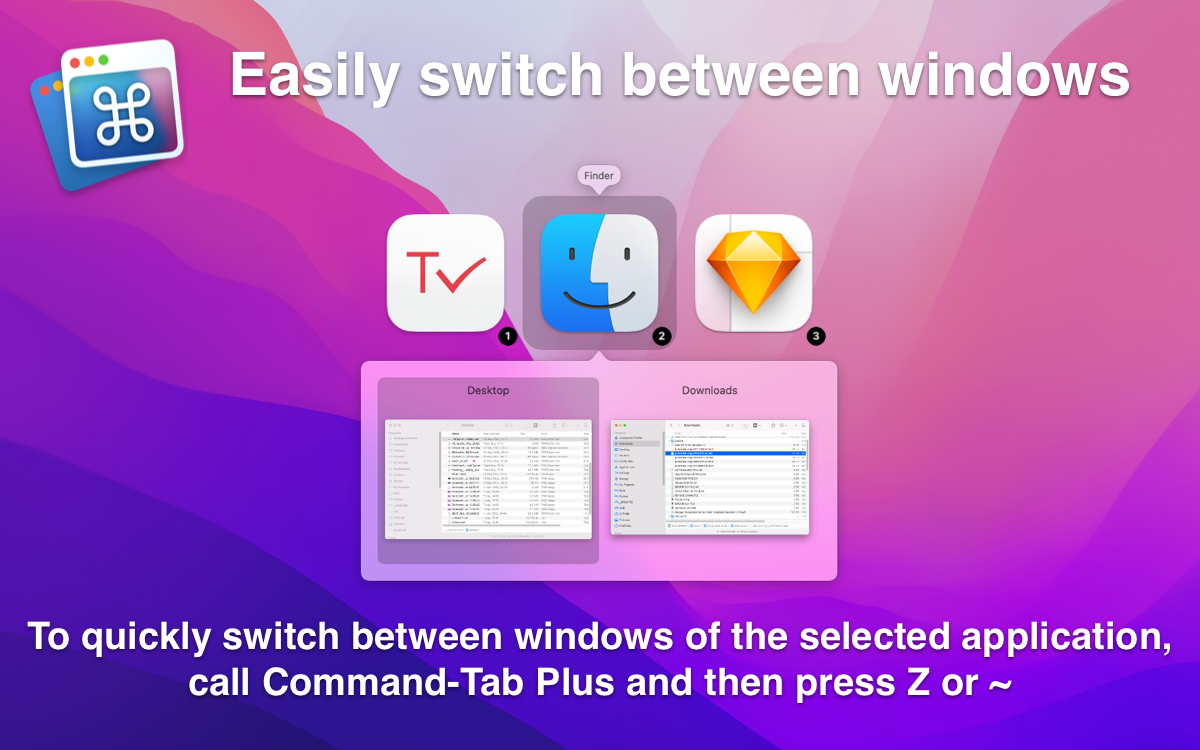
- Easily switch between windows
To quickly switch between windows of the selected application, call Command-Tab Plus and then press Z or ~.
- Customize appearance
Lots of built-in themes
- Hide unused apps
Command-tab Plus hides the icons of inactive (hidden) apps. This function allows you to quickly switch between the apps you are using at the moment, which is handy if you have a lot of apps in the background, but you don’t want them to show up in the switcher.
Liked by
Website
Category
Productivity
Founder

Founded
2017
MRR
2
Product stage
Live
New Products
DeskCover 2 dims or blurs everything except the window you're working in, draws a border around it, keeps 1 to 5 windows in focus and hides desktop clutter. Free for Mac.

Plus AI is an AI text assistant for macOS: compose emails, improve, summarize and translate text in any app.
ClipboardGrid shows your recent copies as large cards across the screen, one shortcut away. Press a number to paste, pin what you reuse, search everything you copied.
MultiDock adds extra macOS panels for the apps, files and folders you use together. Pin them to an edge or float them — alongside the Dock, not instead of it.

Tab Finder collects every open tab from Safari, Chrome, Brave and Opera into one searchable list, with dark mode and keyboard shortcuts.
SuperTab for Mac: one panel on ⌥Tab — apps, every window of every app, clipboard history, recent documents and your files.