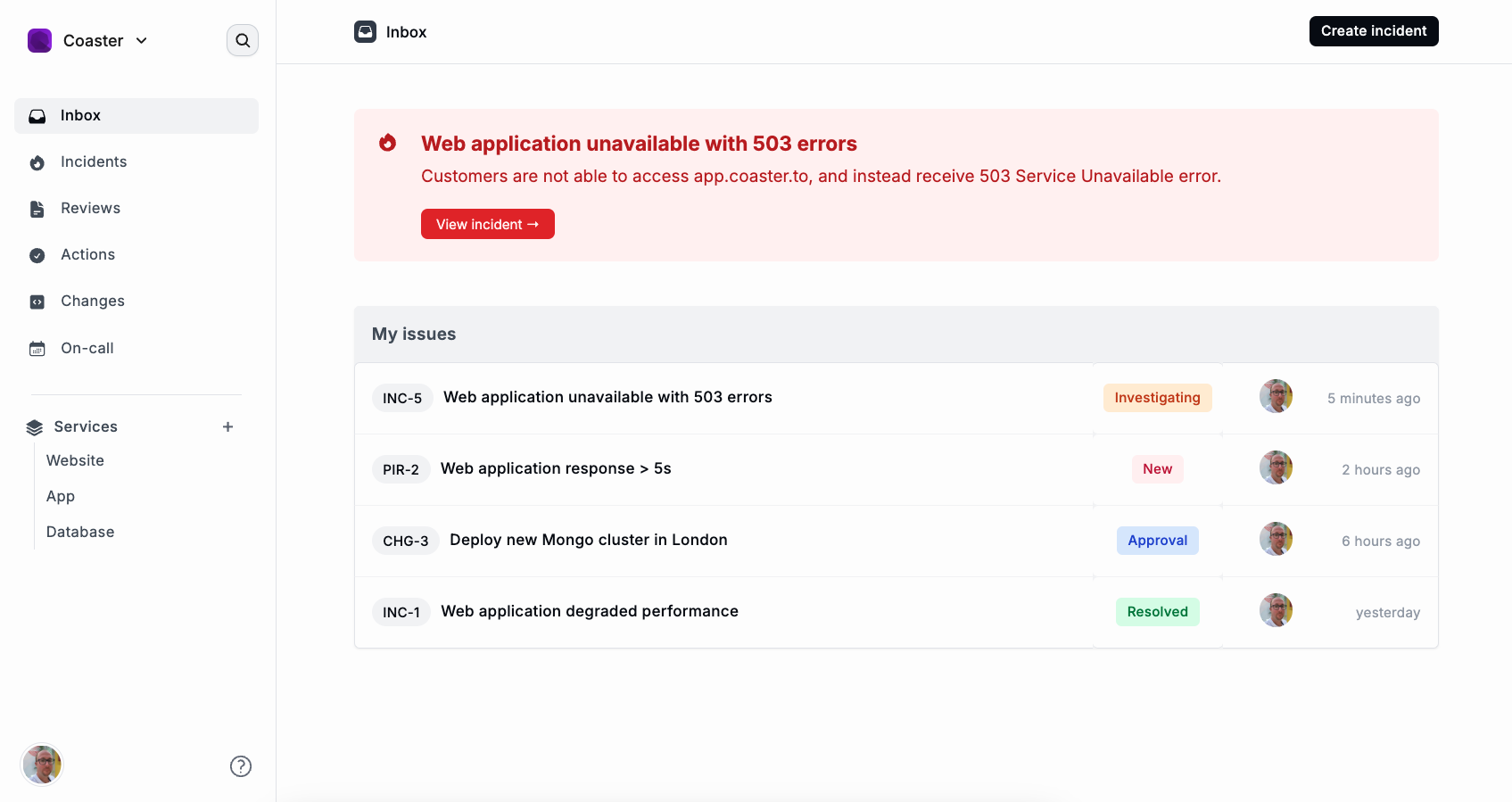
It's been a busy couple of days building Coaster. 

🎨 Redesigned the layout

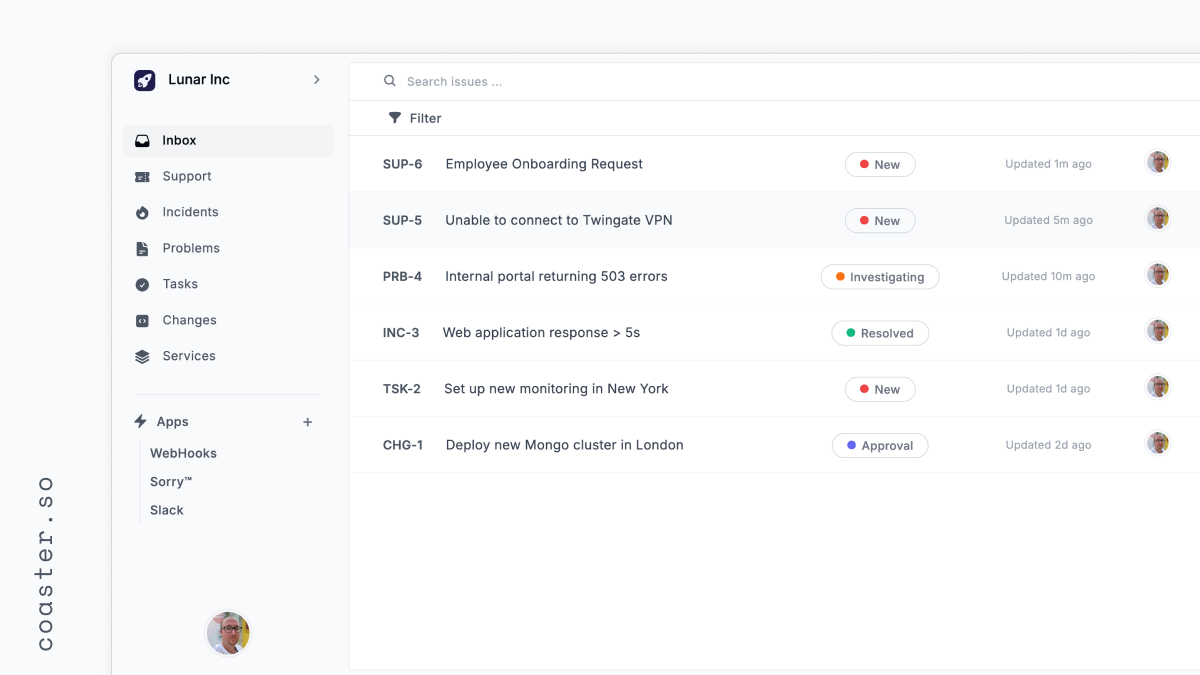
📨 Inbox is looking fresh

🔥 Create and list all incidents

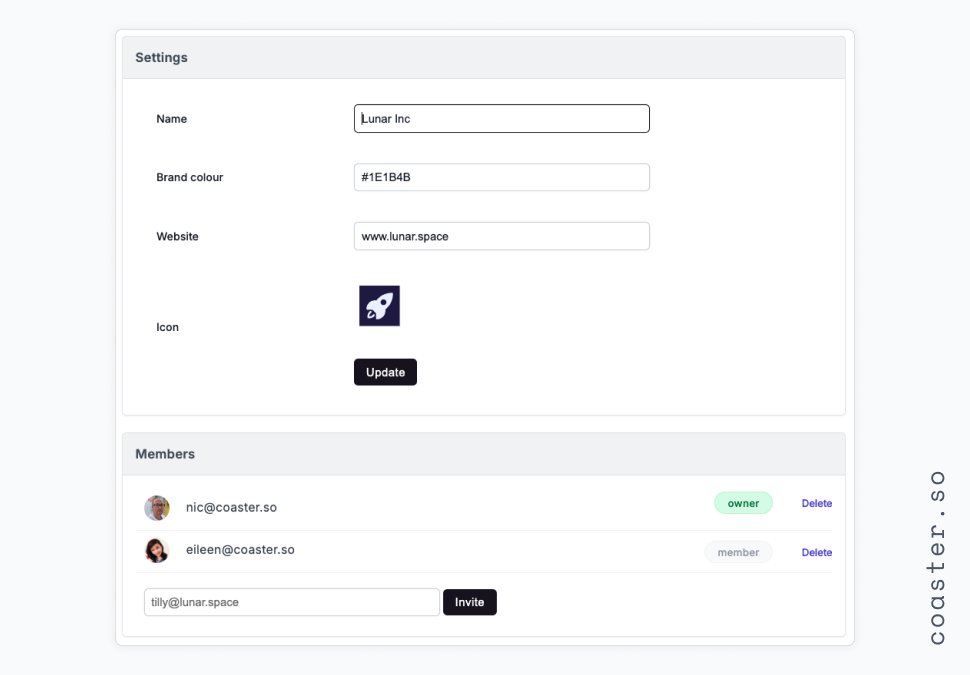
💁‍♂️ Update profile, enable 2FA, set up team branding and invite team members

I'm taking a few days off to go and spend time with hundreds of other Scout volunteers at one of my favourite places: Gilwell Park. I'll be back on Monday making more progress!
Comments

looks good Nic

Thanks Carl 👍

🚀 It's great to be back building something that I am enthused about. Meet Coaster.so, an-all-in-one service management platform that helps teams become more efficient. 

🔥 Manage incidents and on-call rotations

☁️ Control production changes

🙋 Beautiful self-service portal for end-users to report issues or submit requests

and so much more! I'm going to be sharing my journey here on IM, and to keep a streak!

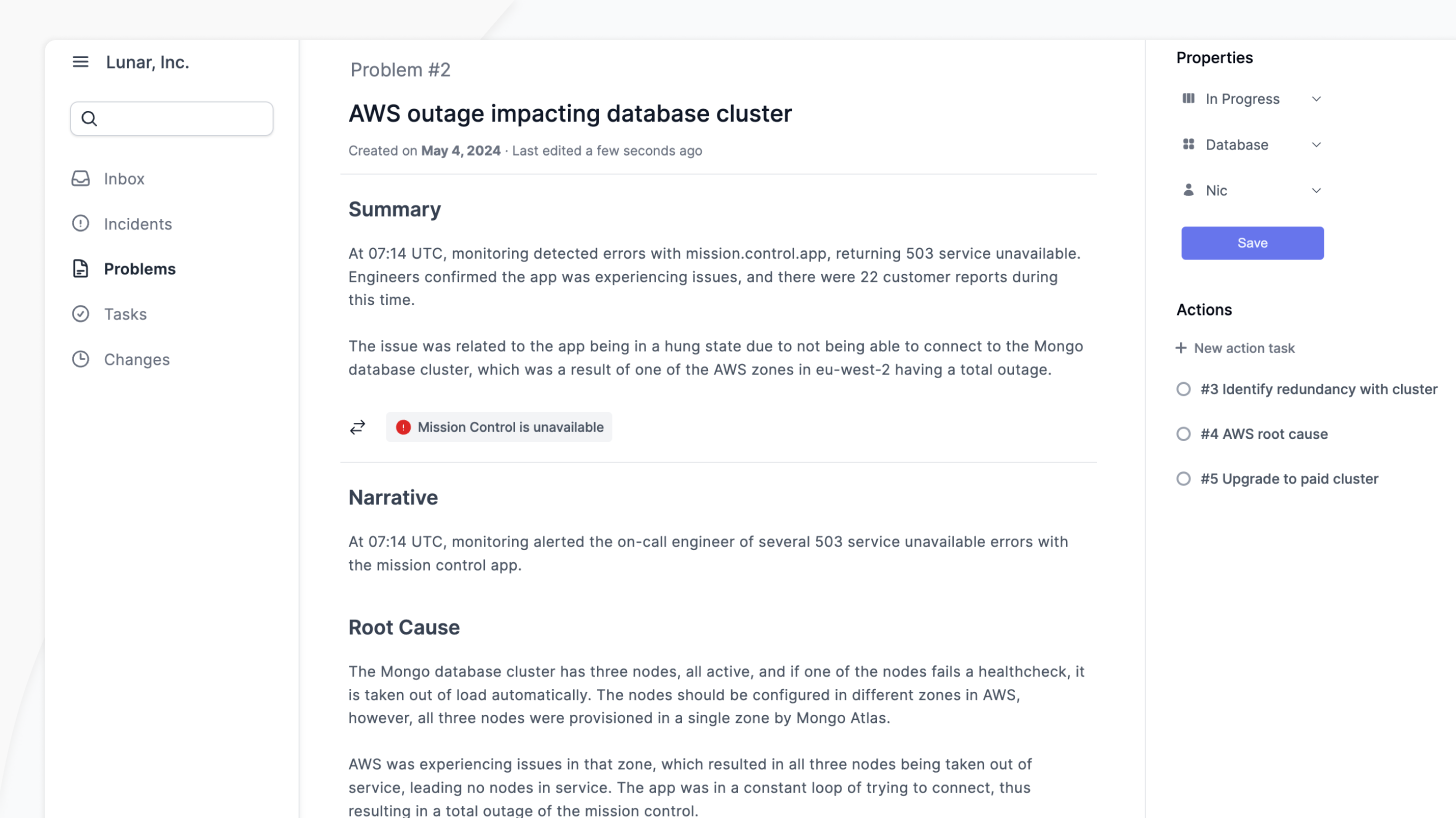
✍️ Saturdays are an excellent day to switch off and dive into some problems. 

I've spent most of the day (apart from a few hours for my Dad's 60th birthday) redesigning the layout, and sidebars, of the request types. For example, Problems show the related incidents, and the tasks waiting for action.

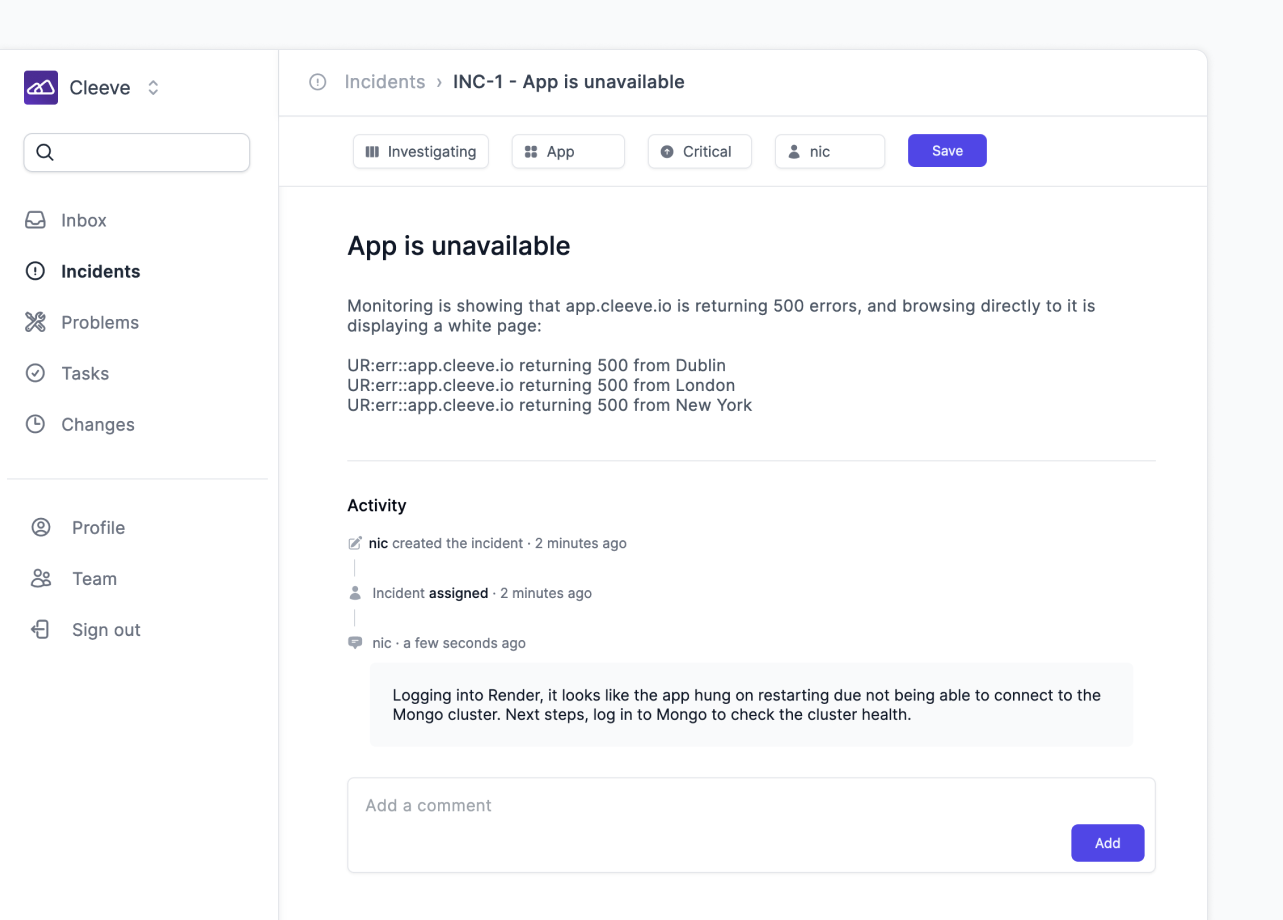
🚨 I'm really enjoying building out Cleeve; it's the service ops tool I wish I had when I was in an ops team! I've managed to get the app functioning with:

🏢 Create an account + team
📝 Create a new incident via a nice little modal window (similar to Linear's modal)
📋 List all incidents based on their status and severity
👀 View an incident and update it
📢 Add comments to incidents

The foundation has really been laid for the other service types, so it'll be fairly easy to get these created, and then looping together. Time to crack on with Problems as the next flow really is from incident -> understanding the root cause & preventing it from happening again ("problem").

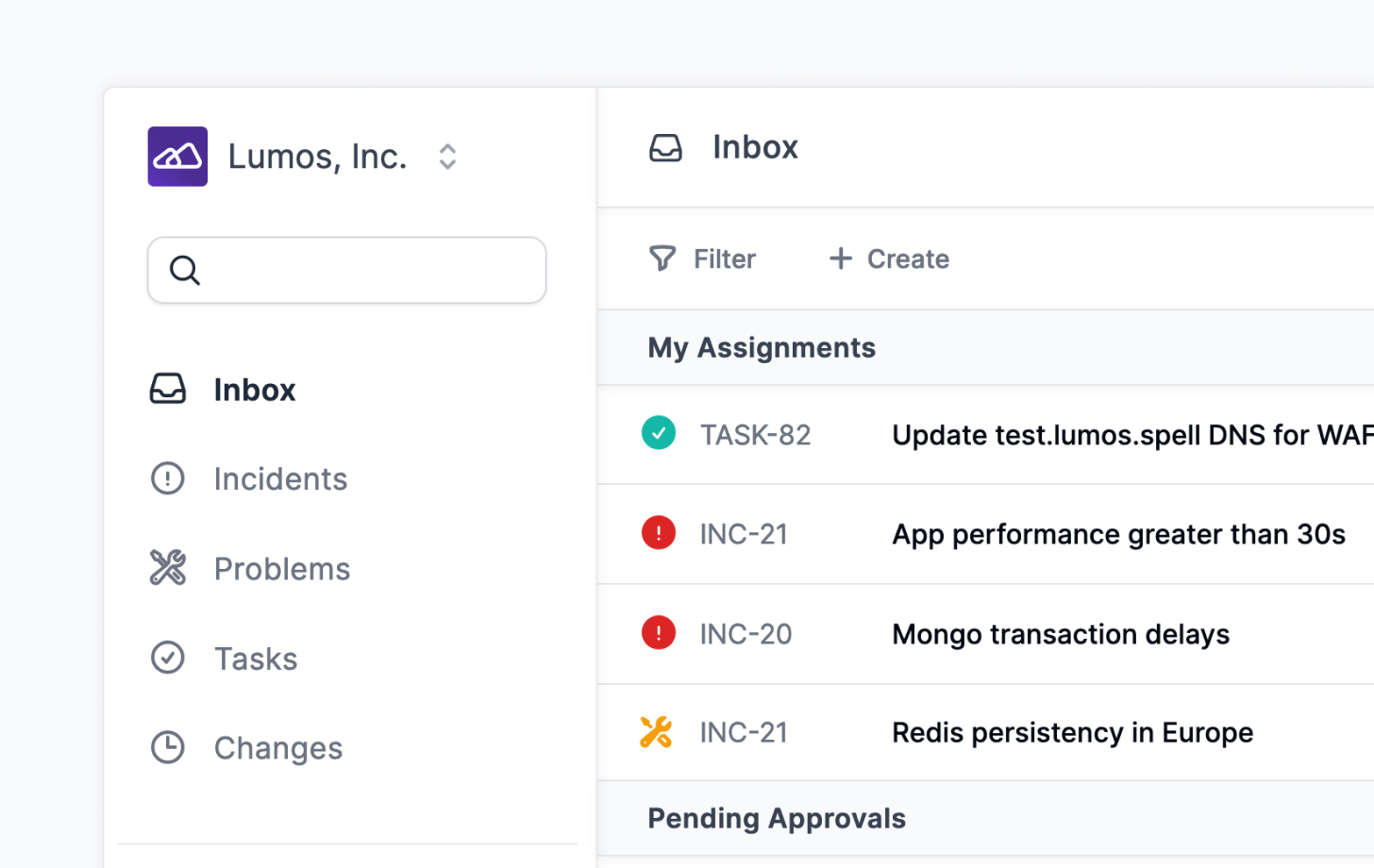
I'm taking a different approach of service ops with Cleeve, steering away from the traditional user experience of having to either build views or dashboard, or going into modules like changes to view the requests available, just to see what assignments you have.

The first screen a team member will see is their Inbox: all requests assigned to them from incidents to tasks to problems, and then any changes that require their approval.

Comments

This looks awesome Nic!

Thanks dude!

We’re an invite only community of Indie Makers

This means you can only get access to IndieMaker if you’re invited to by another member.

You can try your luck and reach out to us via twitter, but please be warned we don’t typically send out invites this way. We want the community to grow organically with likeminded folks.

Reach out to us on twitter